
Dashboard components
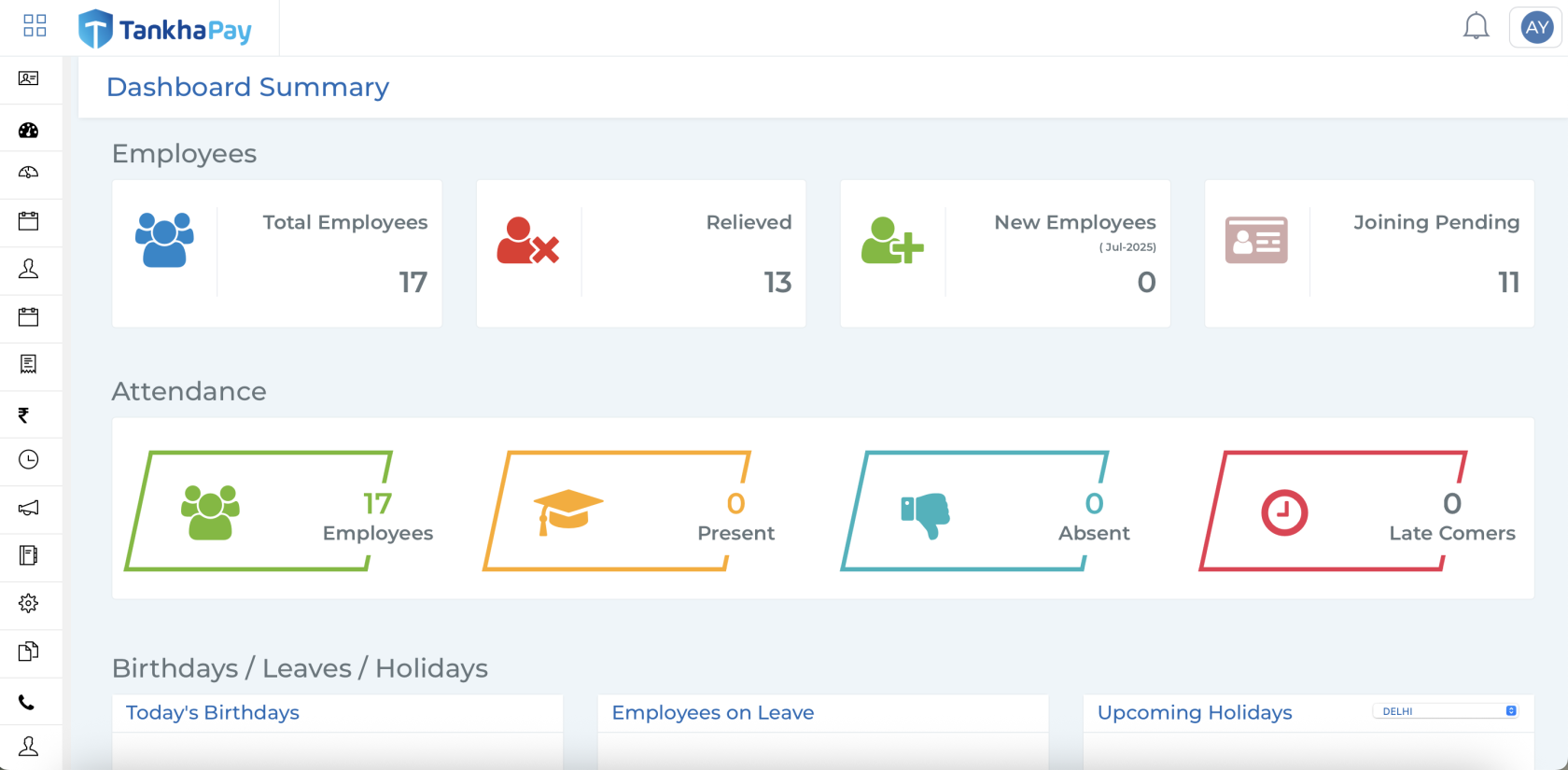
The dashboard presents a monthly snapshot of workforce activity within your organisation. It highlights key metrics related to employee status, enabling employers to monitor changes and manage HR operations effectively. The data displayed reflects the current status for that particular month.
● Total Employees - Displays the current total number of employees who are actively working in your organisation in that particular month.
● Relieved - Shows the number of employees who have officially exited or left the organisation in that month.
● New Employees - Indicates employees who have been successfully onboarded within the current month, completed their KYC, and have a defined salary structure set through the Onboarding Assistant.
● Joining Pending - Lists employees who have been onboarded or issued an offer letter but do not yet have a finalized salary structure within the current month.
By clicking on any of these categories, you will be taken to a detailed employee list view
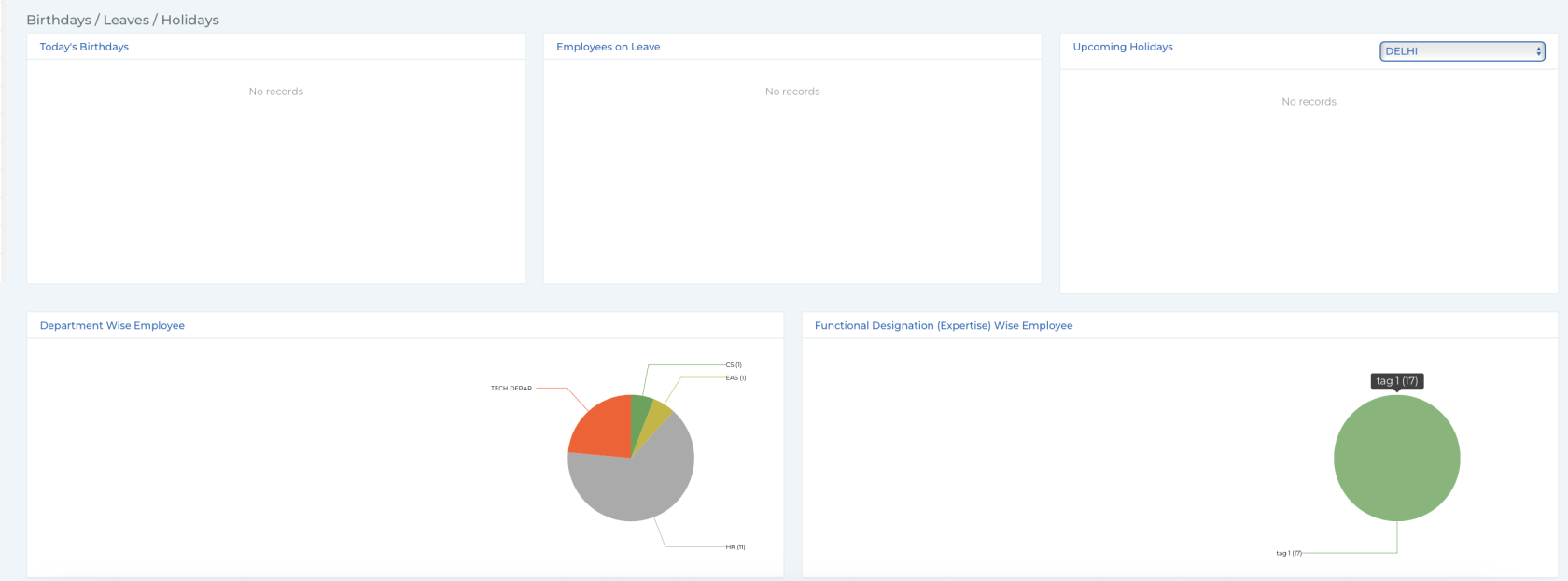
Also you can check for various details like
- Birthdays/Leave/Holidays
- Employees on leave
- Upcoming holidays
- Department wise employees
- Functional designation wise employees